



As a sales or finance employee, you regularly send documents such as order confirmations, delivery notes, or invoices to customers in different languages. Some of the content in these documents, like payment terms, shipping methods, or units of measure, is maintained as master data and is not automatically translated.
Let’s see how this could be handled more easily!
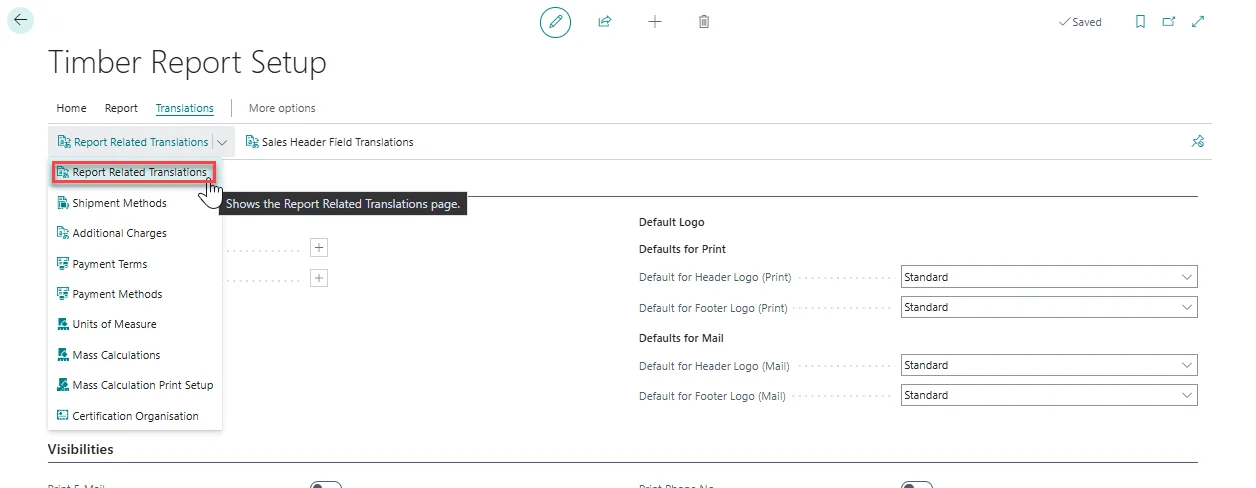
Open Timber Report Setup.
Click on Translations > Report Related Translations in the top menu.
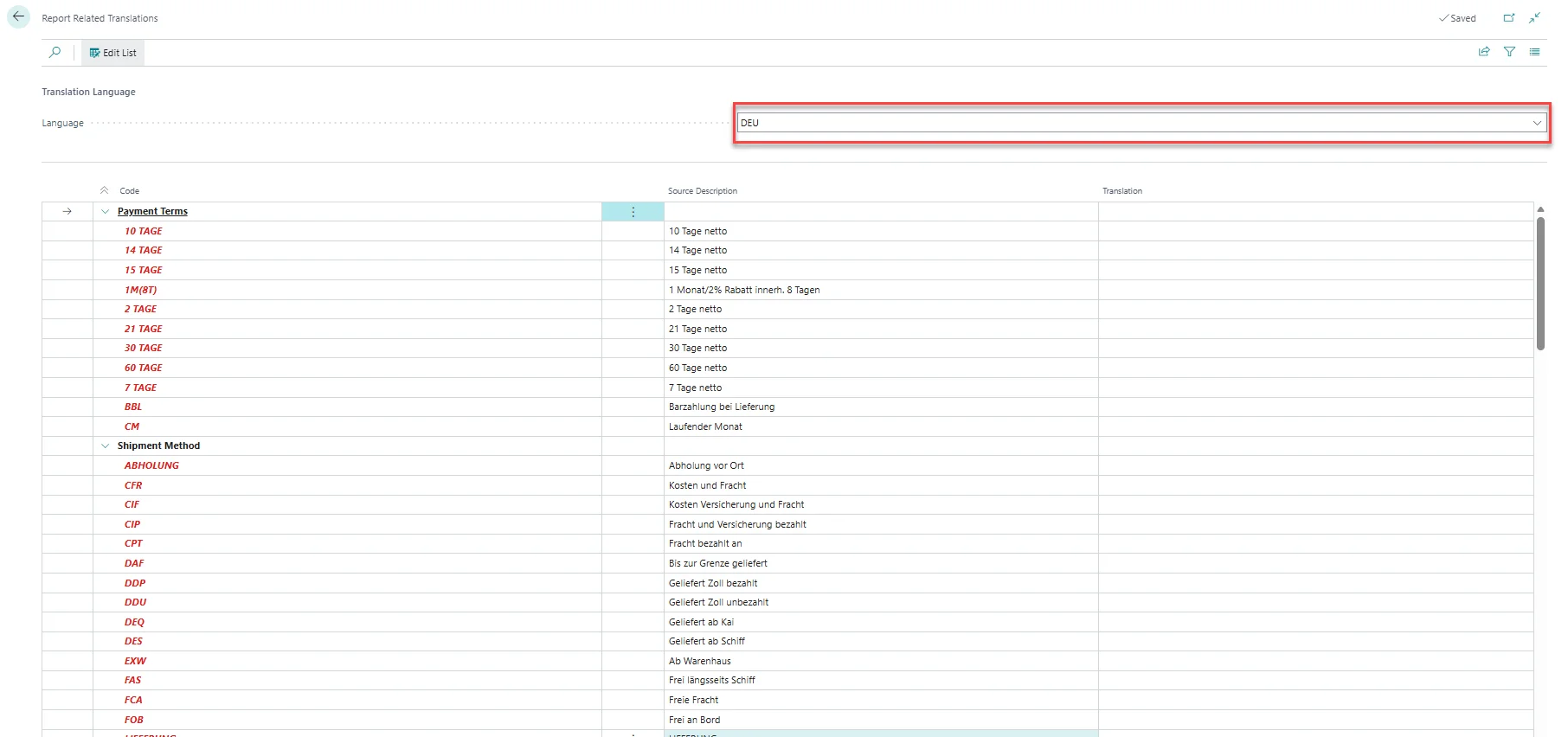
On the page that opens, you can filter by Language, for example, ENU.
This allows you to see right away (highlighted in red), the codes for which there is no translation yet.
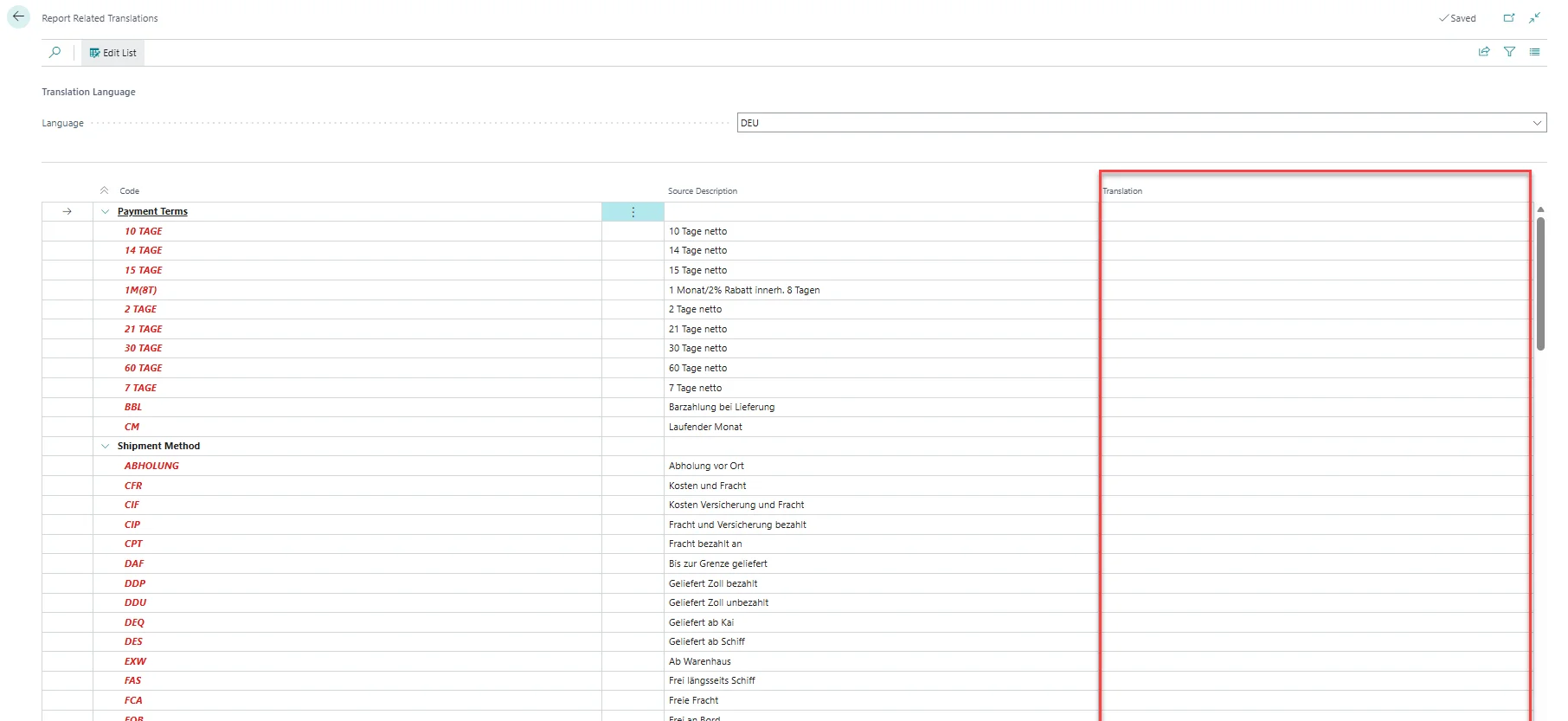
In the Translation column on the right, you can then enter the Translation directly for each Code.
After setting up your Report Related Translations, you can maintain all relevant texts in one central place. This makes it easy to manage translations, quickly identify missing ones, and ensure that your documents always show the correct language for your customers.