



As a daily Business Central user, you regularly work with lists, cards and FactBoxes. In earlier versions, the available screen space was often limited, important information was not always easy to see, and small usability details could slow you down in everyday work.
With Business Central 26, the user interface has been further improved to address exactly these points. The new features provide better visibility, more efficient use of screen space, and an overall more pleasant user experience, without requiring any setup or configuration.
Let’s take a look at what has changed and how you can benefit from it.
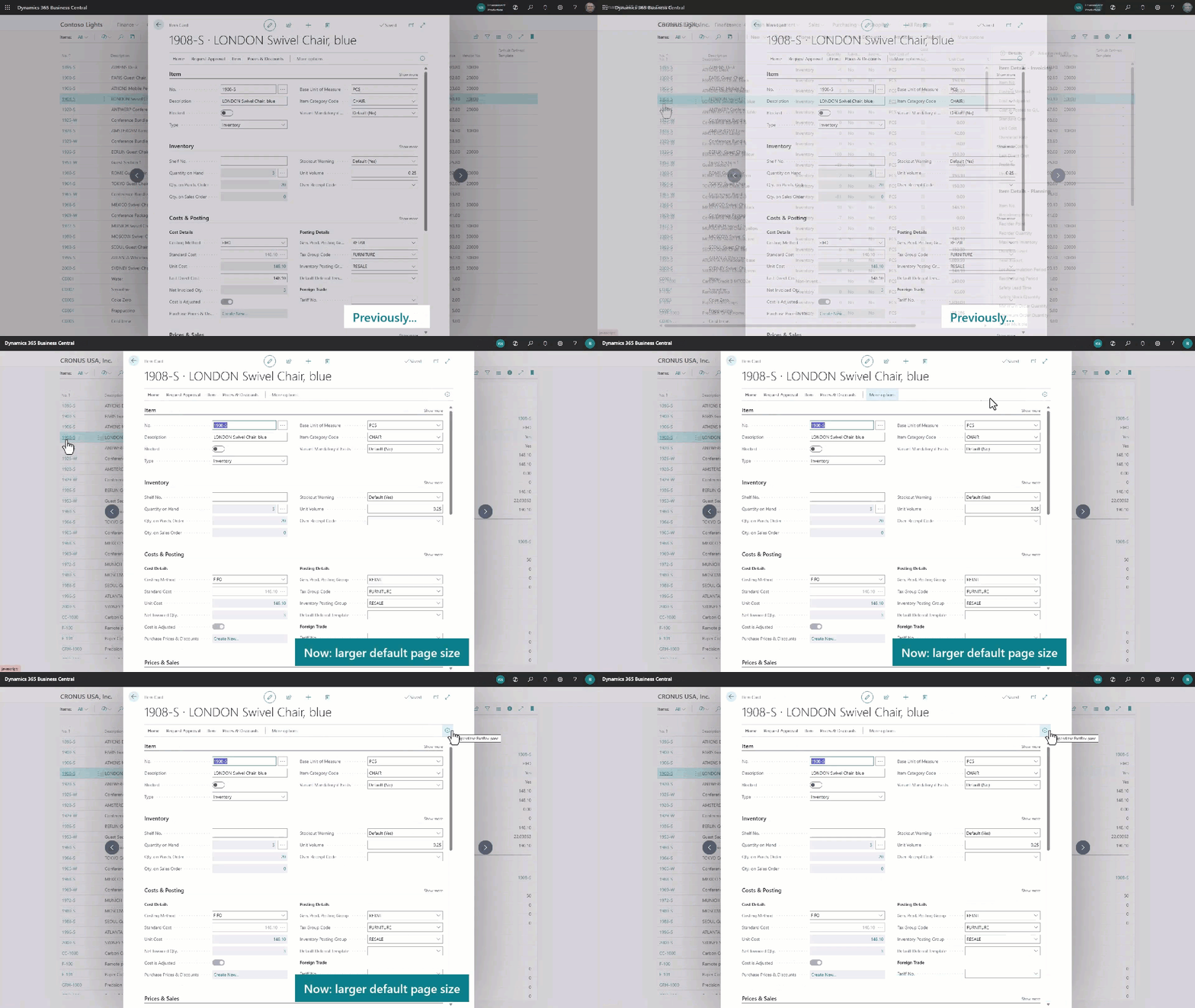
Open any list, for example Customers or Vendors, and then open a record by navigating to the card. You will notice that the card is now displayed larger and more clearly than in earlier versions, allowing you to see more content at once.
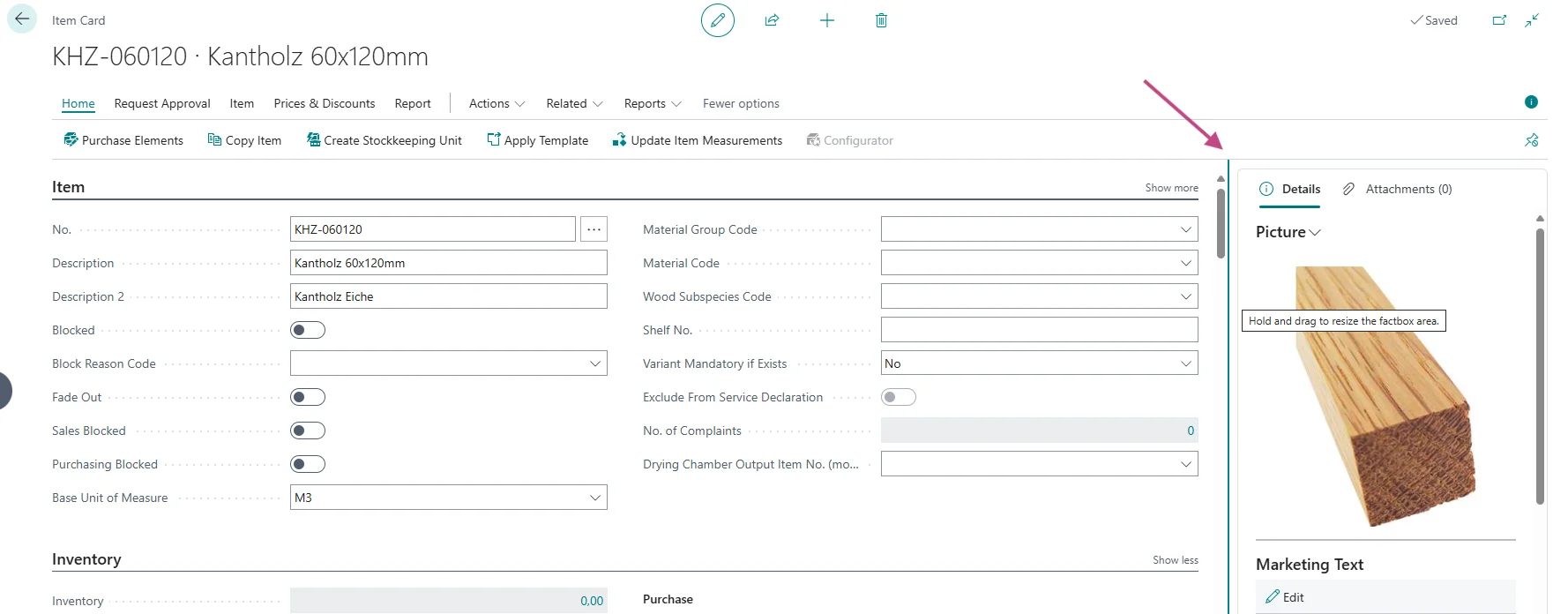
Working with the FactBox has become easier. On any opened card drag the divider between the main content area and the FactBox with your mouse to give the FactBox more or less space. This makes it easier to read detailed information without switching between areas.
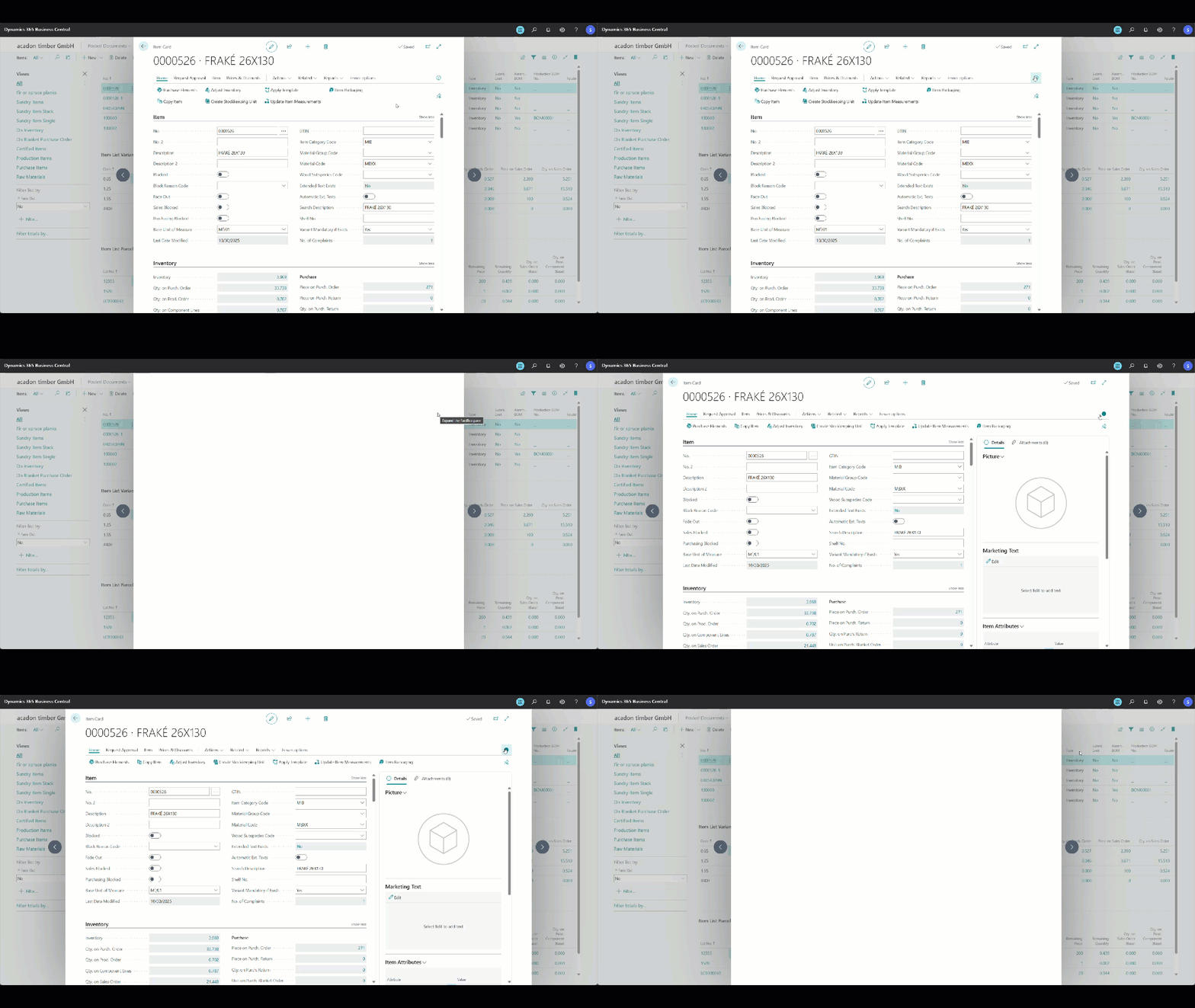
Use Business Central in a browser on a large screen or an external monitor and notice how the available space is used more efficiently. Pages adapt better to different screen sizes, especially in narrow mode. In this mode, the FactBox behaves differently than before: when expanding or collapsing it, the width of the main content area remains stable so you can stay focused on your work.
The new user interface in Business Central 26 gives you more control over how information is displayed, makes better use of available screen space, and includes many small but valuable improvements. With the adjustable FactBox and the optimized layout, you can work in a clearer, more efficient, and more comfortable way without any additional setup.
Many of the user interface improvements described here are also demonstrated in an official Microsoft video. For a complete overview, it is recommended to watch the video as well:
What’s new: Business Central user experience and productivity – YouTube